

Plan version v041 · behind
Connected planning. Human command.
The mission moves. Move together. One shared now.
Onebrief connects the information behind your plans, so teams can work from a shared picture as the situation changes.
Illustrative locationsPlan versionLocal time
Plan version v042 · local edit
Plan version v040 · stale
Three illustrative locations. Plan versions 041, 042 and 040 align to one shared version, 043. Local times stay different: Honolulu 11:30 on September 27, Stuttgart 23:30 on September 27, Tokyo 06:30 on September 28. Shared update at 21:30 UTC.
Illustrative locations and data, not Onebrief deployments. Plan versions are not clock times. Animation timing is a creative treatment, not measured product speed.
02 Make fragmentation visible
A change in one place. Clarity in every place it matters.
A plan is only useful if the people depending on it can see what changed.
A change in one place should not create uncertainty everywhere else.
Before · Disconnected copies
After · Shared current picture
03 How it works
Change the information. Keep the work connected.
Onebrief organizes information into reusable Cards. An update can carry through the products built from that information, helping staffs keep plans, timelines and briefs aligned.
Card · Sample fieldShared state
Briefing time
-
Output 01Plan
3.B Coordinating instructions
Staff briefing at 14:00 UTC
-
Output 02Timeline1213141516
Briefing 14:00 UTC
-
Output 03Brief
Commander’s update: 14:00 UTC
In the product
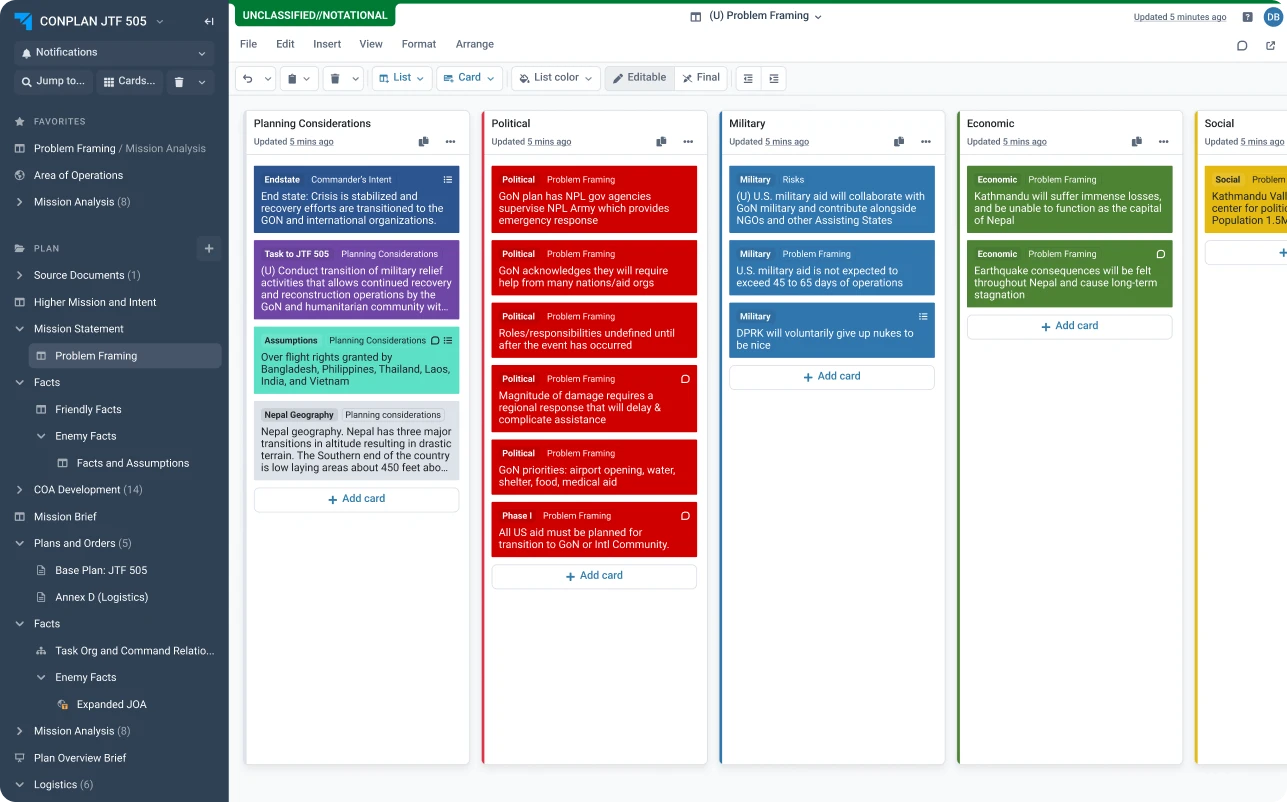
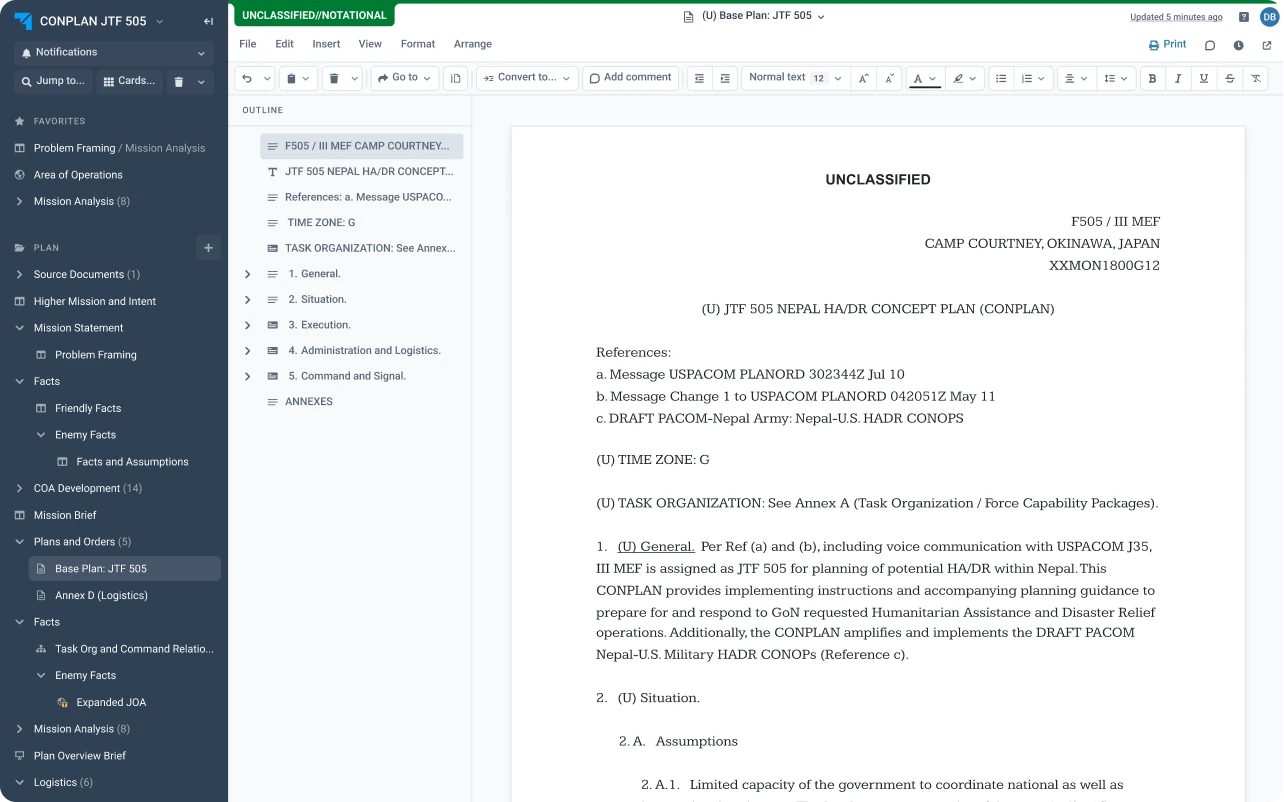
04 Give people room to think
More room for judgment.
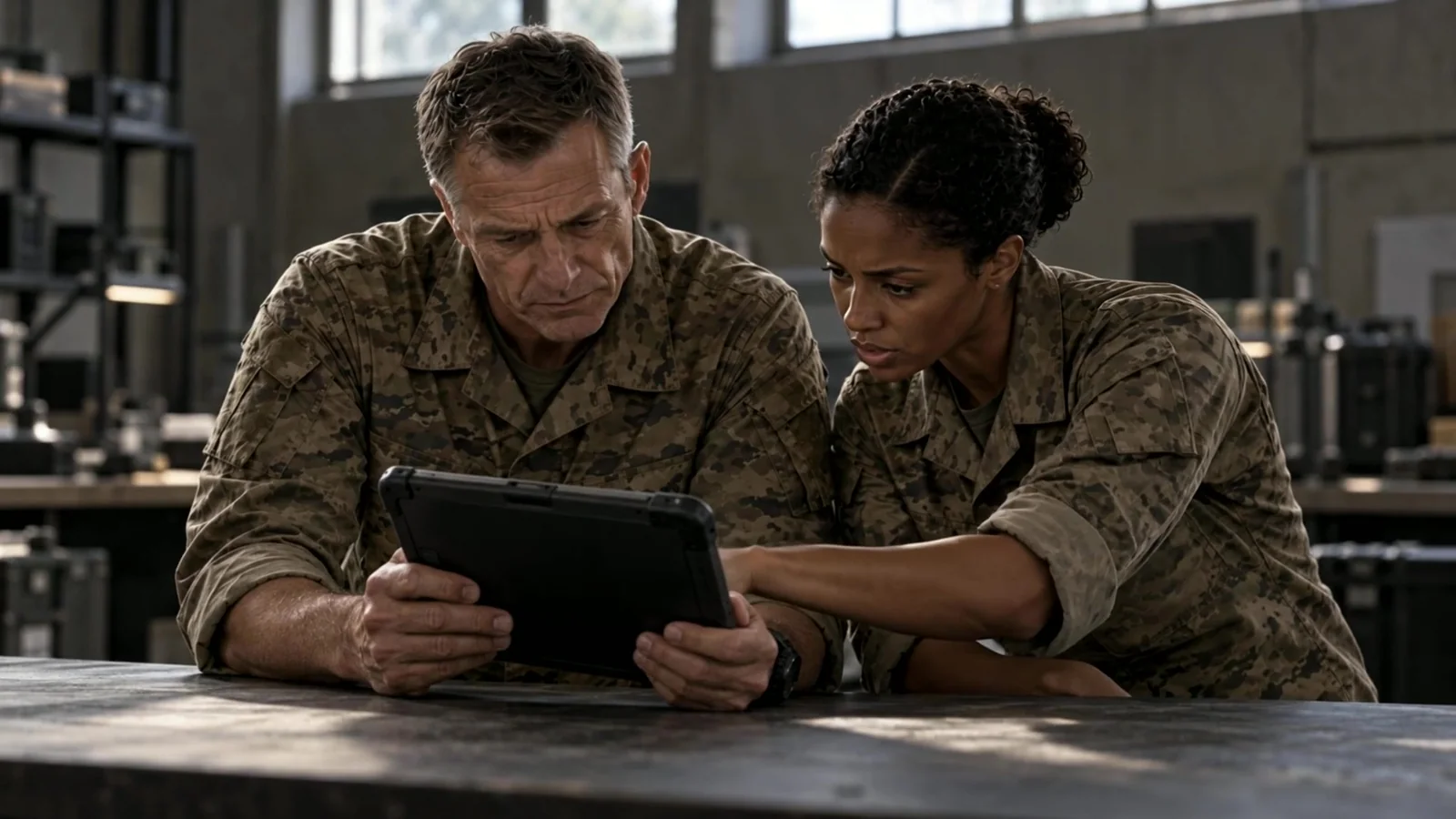
AI can help with drafting and analysis. Leaders retain responsibility for the decision.
- 01UnderstandSee what changed, and where it matters.
- 02CompareWeigh the options with the staff who know them.
- 03DecideThe call stays with the people accountable for it.
Behind every plan are people depending on it.
Give the people making the call a clearer picture of what has changed.
05 Evidence, not spectacle
The difference in the work.
Customer-reported result · Not a plan version
“We documented a 70% reduction in planning cycle time using Onebrief.”
Explore the operational results reported by Onebrief’s customers, with the context behind each one.
Read the impact studies(opens onebrief.com in a new tab)Bring the picture together.
See how Onebrief can support your team’s planning and decision-making.