

Designed by Jason Walker. Not an official Coram page.Read the study
Coram

For schools

Ordinary takes a lot.

A school day depends on people who notice, prepare, and respond. Coram connects video and response tools to support their next step.

A busy elementary-school arrival: a principal greets a girl with a backpack at the entrance while teachers and many children move past. Generated imagery.
Morning arrival · proposed campaign still

The people

For the people who look after a school.

The first bus.The front desk.The last classroom light.

Your team keeps track of a thousand ordinary things. Coram connects video, entry events, and response tools so they can review what matters and decide what comes next.

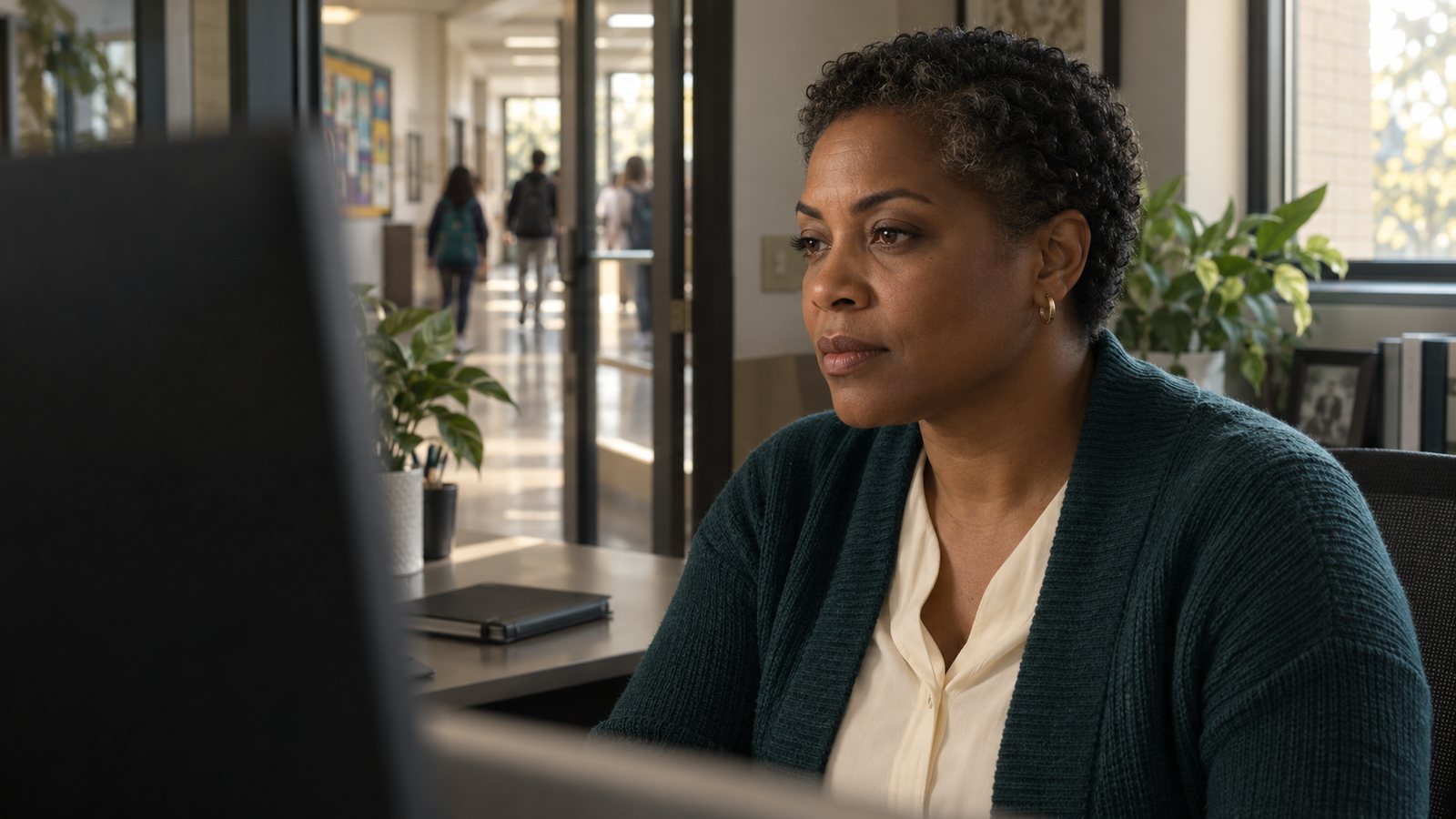
A front-office staff member at her desk reviewing a screen while students pass along the hallway behind her. Generated imagery.
The front office. The person who reads the situation and decides what to tell the team.

Four roles

Four roles. One connected view.

Each part of Coram does a distinct job. Together they give the people responsible for a school the context for the next step.

01

VisitorGuest Management

Check visitors in, notify the host, apply the screening and approval policy your school sets, and keep a record of who came and when.

RequiresSoftware, configured to your check-in workflow.

Connects withVideo, where a camera covers the entrance.

02

VideoVideo Security

Search footage across cameras, follow a person or an asset, share clips, and gather the evidence a review needs.

RequiresCoram Point on site and a camera licence per camera. Compatible existing IP cameras can stay.

Connects withAccess events, emergency management and guest records.

03

AccessAccess Control

Manage who can open which doors, and see the door event beside the video of what happened. A credential record shows a badge. The video shows the people.

RequiresCompatible door hardware, confirmed in the sales conversation.

Connects withVideo, for review of possible tailgating.

04

Emergency managementEmergency Management

Alert designated staff, coordinate the response, practise drills, and support reunification workflows, with a record of what the team did.

RequiresSoftware. It can operate separately or connect with Video Security.

Connects withVideo, for camera context during a response.

Descriptions follow Coram’s public product pages as reviewed on 19 September 2026. Configuration, compatibility and licensing are confirmed in Coram’s sales process.

See Coram in action

The context for the next step.

Review relevant footage. Bring designated staff into the conversation. Keep a record your team can return to.

The clearest way to show it is a drill. Four stages, sample data, and the decisions that stay with people.
Implementation

Start with the school you have.

Talk through camera compatibility, locations, staff roles, and the capabilities your school needs. Video Security uses Coram Point and camera licensing. Emergency Management can operate separately or connect with Video Security.

Questions for the first conversation

  1. Which cameras do you have today, and which locations matter most?Compatible existing IP cameras connect to Coram Point. Compatibility is confirmed camera by camera.
  2. Who is on the designated team, and how do they hear a notice now?Roles, buildings, and the devices people actually carry.
  3. Which entrances need a visitor workflow, and what policy applies?Check-in, host notification, screening and approval as your school sets them.
  4. How do you run drills today, and what record do you keep?The review record is where a team learns.
  5. Which capabilities do you need first: video, visitors, access, emergency management?Each can start on its own. They connect as you add them.
  6. Who owns the setup, the permissions, and the review?Clear ownership keeps the system useful after the first month.

Already yours

Compatible IP cameras

Existing cameras that meet compatibility stay in place.

Already yours

Doors and entrances

Compatible door hardware and the visitor entrance.

On site

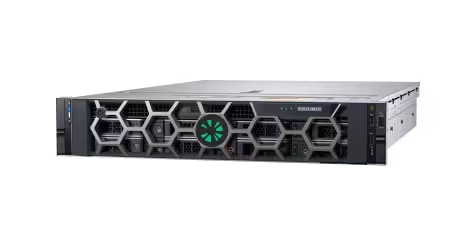
Coram Point

The on-site recorder for Video Security, licensed per camera.

Software

Emergency Management

Can operate separately, or connect with Video Security for camera context.

Your team

Front office, designated staff, administrators

Search, review, coordinate and keep a record, by role and permission.

Coram Point, a rack-mounted on-site recorder, product reference image.

Coram Point. The on-site recorder for Video Security. Product reference image from Coram’s public materials.

From a published Coram customer story

Coram’s published Lakepointe Church story describes staff with independent access to footage across several campuses, without waiting on one person to pull it.

Lakepointe Church multi-campus, as published by Coram Read the story on coram.ai

A paraphrase of Coram’s own published account, not a quotation and not a school. A school reference would take this place when Coram supplies one.

Next step

See it in the context of your school.

Bring your questions, your locations, and your current setup. Start with a conversation and a demonstration.

Coram’s own demo page describes what happens after you book: a conversation first, then a trial arranged with the hardware. This concept collects nothing; the button goes to coram.ai.